NEXUS AI MCP Integration: Connect Claude to Your Deployments
NEXUS AI MCP Integration: Connect Claude to Your Deployments
By Platform Super Admin • • MCP,Claude,AI,Integrations
Published: April 25, 2026
Category: Platform · DevOps
Reading time: 16 minutes
Author: NEXUS AI Team
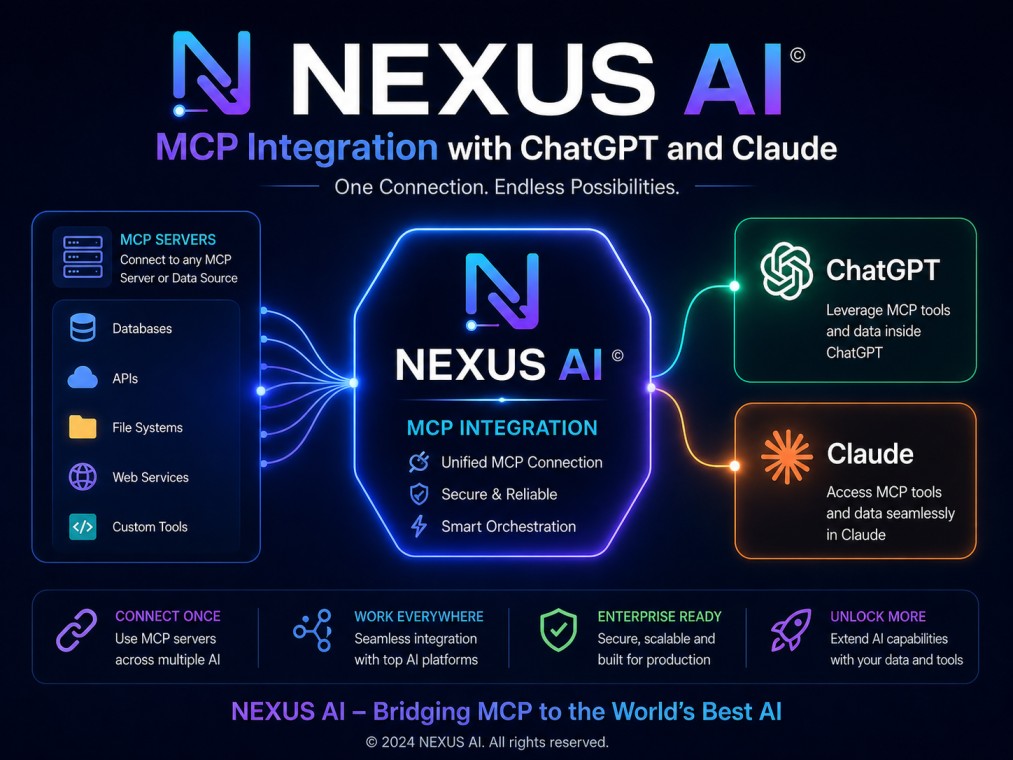
NEXUS AI exposes a full Model Context Protocol (MCP) server that lets you control your deployments, secrets, domains, and databases directly from Claude — no terminal, no dashboard, just natural language. This guide covers everything: what MCP is, what tools are available, how to add NEXUS AI as a Claude connector, and how to authenticate securely using OAuth 2.0.
What Is MCP and Why Does It Matter?
The Model Context Protocol is an open standard that lets AI assistants like Claude connect to external services and take real actions — not just answer questions. When you add NEXUS AI as an MCP connector in Claude, you get 37 tools that let you deploy apps, stream logs, manage secrets, inspect databases, and open support tickets, all from a conversation.
Instead of switching between your terminal, the NEXUS AI dashboard, and your cloud provider console, you ask Claude:
"Deploy the latest version of my API to Google Cloud Run and stream the logs"
Claude calls the NEXUS AI MCP tools, executes the deployment, and reports back — in the same conversation.
NEXUS AI MCP Tools: Full Reference
The NEXUS AI MCP server exposes 37 tools organised into eight categories.
Account & Projects
| Tool | Description |
|---|---|
nexusai_whoami |
Returns your authenticated user and organisation context |
nexusai_projects_list |
Lists projects in your organisation |
nexusai_providers_list |
Lists deployment providers available on your plan |
nexusai_usage_stats |
Returns usage statistics, quotas, and deployment counts |
Deployments
| Tool | Description |
|---|---|
nexusai_deploy_list |
List deployments with optional status/provider filters |
nexusai_deploy_status |
Full status details for a deployment |
nexusai_deploy_health |
Health check status and recent health logs |
nexusai_deploy_logs |
Recent build or runtime log lines |
nexusai_deploy_create |
Create a deployment from a container image |
nexusai_deploy_source |
Create a source-based deployment from a GitHub repo |
nexusai_deploy_redeploy |
Redeploy using the previous configuration |
nexusai_deploy_rollback |
Roll back to a previous deployment revision |
nexusai_deploy_scale |
Scale replicas from 1 to 10 |
nexusai_deploy_stop |
Stop a running deployment |
nexusai_deploy_start |
Start a stopped deployment |
nexusai_deploy_delete |
Permanently delete a deployment |
nexusai_deploy_openclaw |
Deploy an OpenClaw AI coding gateway |
Secrets
| Tool | Description |
|---|---|
nexusai_secrets_list |
List all secrets (values are always hidden) |
nexusai_secrets_create |
Create a new encrypted secret |
nexusai_secrets_update |
Update an existing secret value |
nexusai_secrets_delete |
Delete a secret |
Custom Domains
| Tool | Description |
|---|---|
nexusai_domains_add |
Add a custom domain to a deployment |
nexusai_domains_list |
List custom domains across deployments |
nexusai_domains_verify |
Trigger DNS verification for a domain |
nexusai_domains_remove |
Remove a custom domain |
Database Intelligence
| Tool | Description |
|---|---|
nexusai_db_source_list |
List connected external database sources |
nexusai_db_source_connect |
Connect and test a new external database |
nexusai_db_source_delete |
Remove a database connection |
nexusai_db_inspect_schema |
Introspect schema and get a normalised graph |
nexusai_db_query_preview |
Dry-run SQL with EXPLAIN and safety analysis |
nexusai_db_query_execute |
Execute confirmed SQL (SELECT, DML, DDL) |
nexusai_db_propose_fix |
Analyse logs and propose a DDL fix |
nexusai_db_apply_fix |
Apply a proposed DDL fix |
Support
| Tool | Description |
|---|---|
nexusai_support_ticket_create |
Submit a new support ticket |
nexusai_support_ticket_list |
List your organisation's tickets |
nexusai_support_ticket_get |
Get full ticket details and message thread |
nexusai_support_ticket_reply |
Add a reply to an open ticket |
Step 1: Get Your NEXUS AI MCP URL
Your MCP endpoint is shown in the NEXUS AI dashboard under Settings → Integrations:
https://api.zollo.live/mcp
This is the URL you paste into Claude. The endpoint uses OAuth 2.0 with PKCE — Claude handles the full authentication flow automatically the first time you connect.
Step 2: Add NEXUS AI as a Claude Connector
On claude.ai (Recommended)
- Open claude.ai and sign in
- Click your profile icon → Settings
- Navigate to the Connectors tab
- Click Add connector
- Paste your NEXUS AI MCP URL:
https://api.zollo.live/mcp - Click Connect
- A NEXUS AI login window opens — sign in with your account
- Review the requested permissions and click Approve
- The connector shows as active — all 37 NEXUS AI tools are now available in every Claude conversation
On Claude Desktop
Add NEXUS AI to your claude_desktop_config.json file:
- macOS:
~/Library/Application Support/Claude/claude_desktop_config.json - Windows:
%APPDATA%\Claude\claude_desktop_config.json
{
  "mcpServers": {
    "nexusai": {
      "url": "https://api.zollo.live/mcp",
      "transport": "http"
    }
  }
}
Save the file and restart Claude Desktop. On first use, Claude opens a browser window to complete the OAuth flow.
On Claude Code (CLI)
Add NEXUS AI to ~/.claude/settings.json:
{
  "mcpServers": {
    "nexusai": {
      "url": "https://api.zollo.live/mcp",
      "transport": "http"
    }
  }
}
Or use the CLI command:
claude mcp add nexusai https://api.zollo.live/mcp
Step 3: Understand the OAuth Permissions
When Claude connects to NEXUS AI MCP, it requests these OAuth 2.0 scopes:
| Scope | What It Unlocks |
|---|---|
deployments:read |
List, status, health, logs — read-only access |
deployments:logs |
Stream build and runtime logs |
deployments:create |
Create deployments, manage secrets and domains, scale and rollback |
deployments:delete |
Delete deployments, remove domains and secrets |
The default connection requests deployments:read, deployments:create, and deployments:logs. Deselect scopes on the consent screen to create a read-only connection.
Security details:
- Access tokens are short-lived JWTs with a 1-hour TTL
- Refresh tokens last 30 days — Claude refreshes silently in the background
- PKCE is mandatory — prevents authorization code interception attacks
- All token operations are recorded in your NEXUS AI audit log
- Secret values are never returned by any MCP tool — only key names are visible
Step 4: Try Your First MCP Commands
Once connected, use natural language in Claude:
Check your deployments:
"List all my active NEXUS AI deployments and their current status"
Deploy from a GitHub repo:
"Deploy github.com/myorg/api-service to Google Cloud Run with 2 replicas"
Stream production logs:
"Show me the last 50 log lines from my production API deployment"
Manage secrets:
"Add a new secret DATABASE_URL to my staging deployment"
Inspect a database:
"Connect to my Postgres database and show me the schema for the users table"
Rollback a bad release:
"Roll back my payments-service to the previous revision"
Scale for traffic:
"Scale my web-app deployment to 5 replicas"
How the OAuth Flow Works
- Discovery — Claude fetches
https://nexusai.run/.well-known/oauth-authorization-serverto locate the authorization and token endpoints automatically - PKCE challenge — Claude generates a random code verifier and derives a SHA-256 code challenge
- Authorization — Claude opens
https://nexusai.run/oauth/authorize— you log in and approve the requested scopes - Token exchange — Claude sends the authorization code and PKCE verifier to
https://nexusai.run/api/oauth/tokenand receives a Bearer token - MCP call — Every tool call is a
POST https://api.zollo.live/mcpwithAuthorization: Bearer <token> - Token refresh — When the 1-hour access token expires, Claude automatically refreshes it using the 30-day refresh token
This is standard OAuth 2.0 with PKCE (RFC 7636) — the same protocol used by GitHub, Google, and Stripe.
Revoking Access
- Go to Settings → Access Tokens in the NEXUS AI dashboard
- Find the token associated with Claude
- Click Revoke
Claude will prompt you to reconnect on the next MCP call. Delete and re-add the connector in Claude Settings to start a fresh OAuth flow.
Frequently Asked Questions
Does NEXUS AI MCP work with ChatGPT? Yes. The NEXUS AI MCP server is compatible with any MCP-compatible AI client, including ChatGPT connectors. The OAuth discovery endpoints follow the RFC standards those clients expect.
Can I make the connection read-only?
Yes — deselect deployments:create and deployments:delete on the OAuth consent screen. This restricts Claude to listing deployments, reading status, and streaming logs.
Are my secrets visible to Claude?
No. The nexusai_secrets_list tool returns only secret key names, never values. Secret values are encrypted at rest with AES-256-GCM and are never accessible via any MCP tool.
Do MCP tool calls count against my plan quota? MCP calls that trigger deployments (create, redeploy, scale) consume the same quota as dashboard or CLI deployments. Read-only calls (list, status, logs, health) do not consume deployment quota.
What happens if the token expires mid-conversation? Claude automatically refreshes the access token in the background using the 30-day refresh token. You are not interrupted unless the refresh token has also expired, in which case Claude will prompt you to reconnect.
Can I use NEXUS AI MCP from Claude Code (the CLI)?
Yes. Claude Code supports MCP connectors via ~/.claude/settings.json. Add the NEXUS AI MCP URL under mcpServers and authenticate via the browser OAuth flow on first use.